
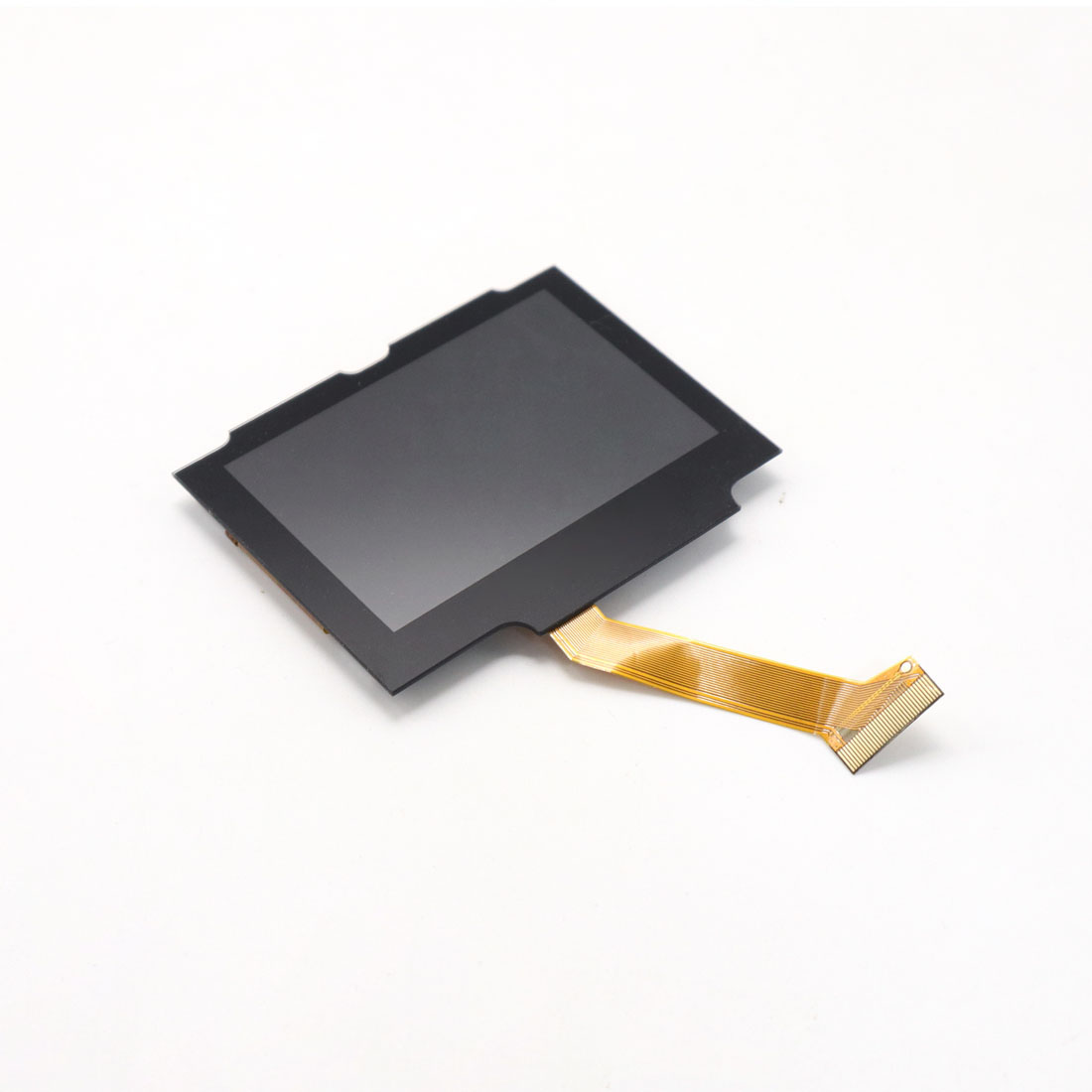
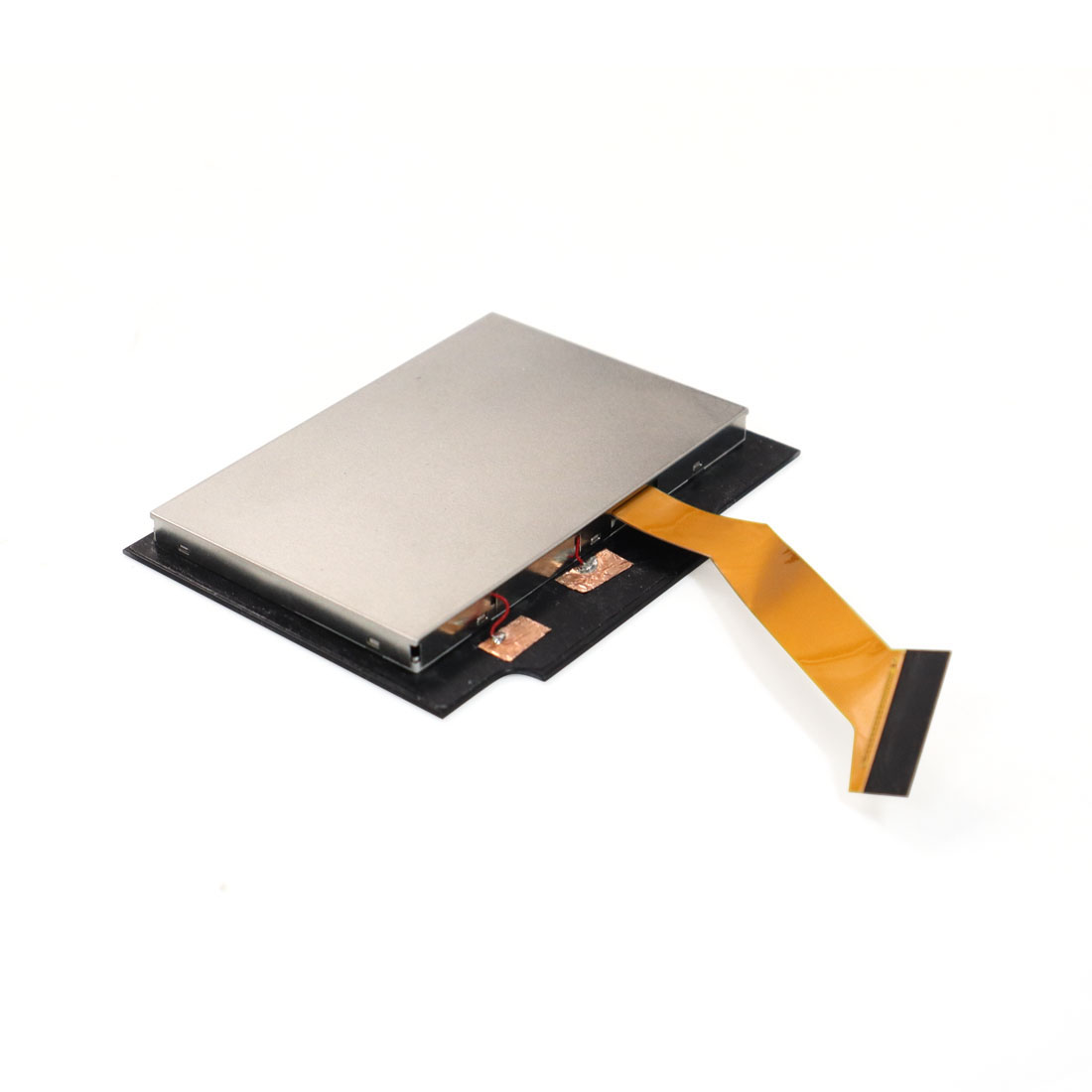
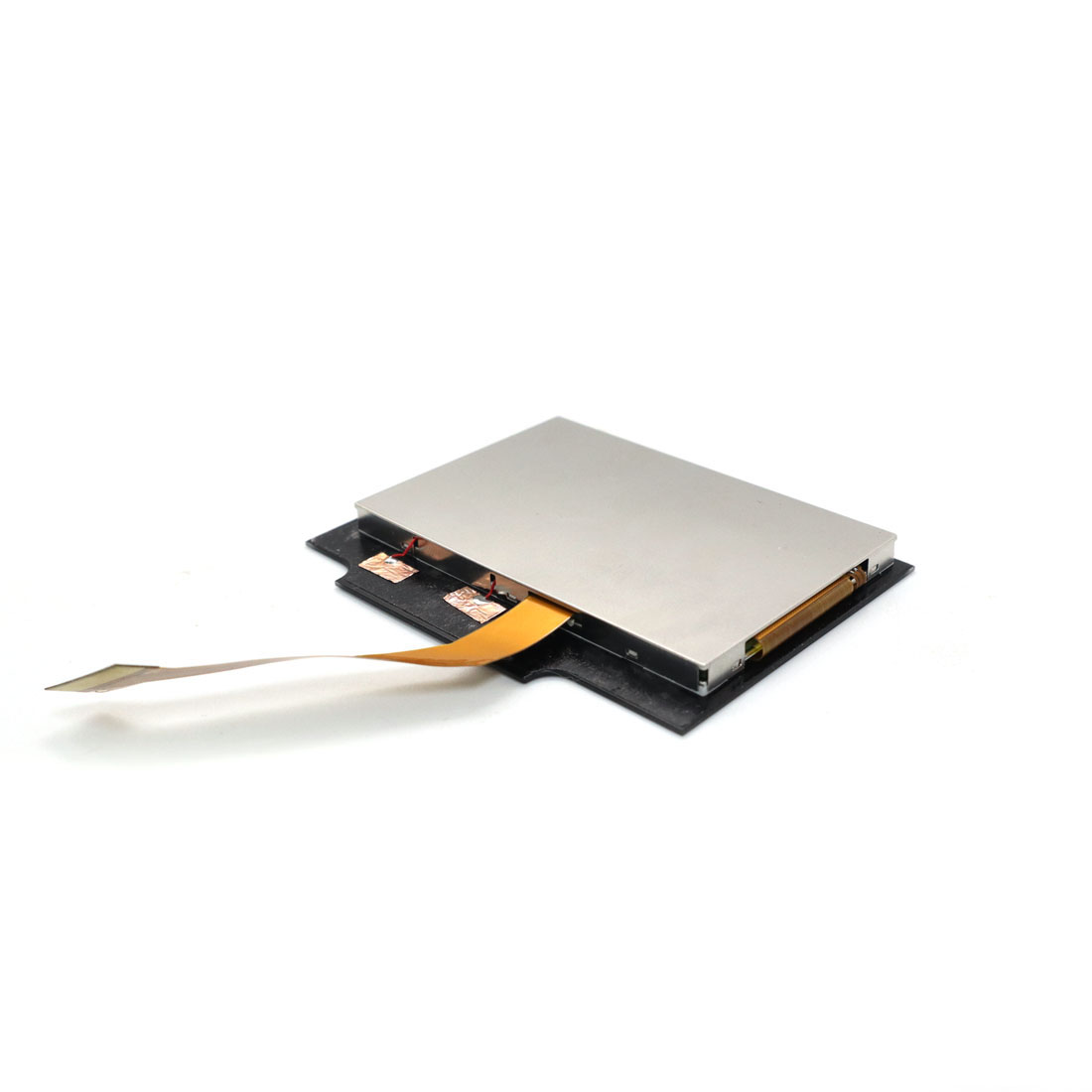
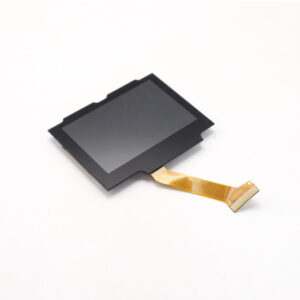
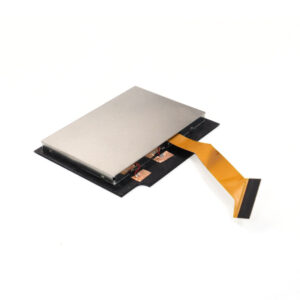
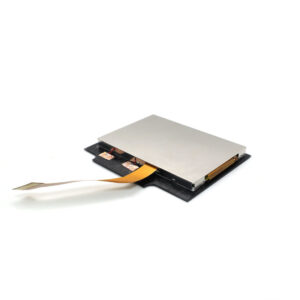
Note: The volume button isn’t included. You need to use your original volume button or buy it from other sellers!!!
Description:
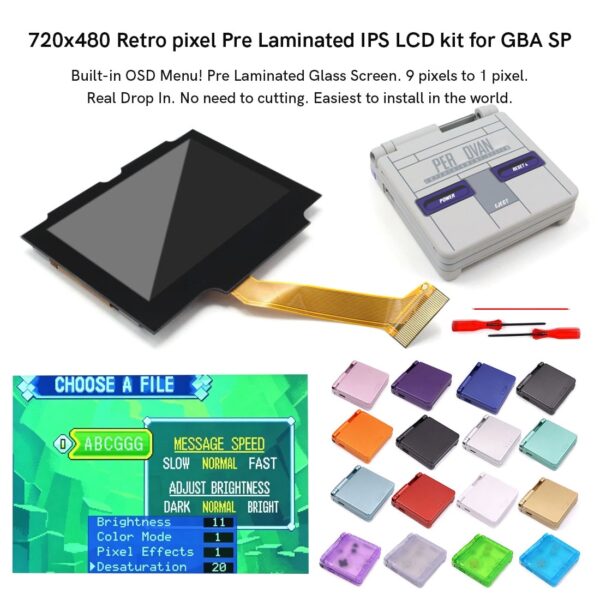
1. 720×480 display resolution. HD IPS LCD. 9 pixels to 1 pixel.
2. Wide View angle up to 178 degree.
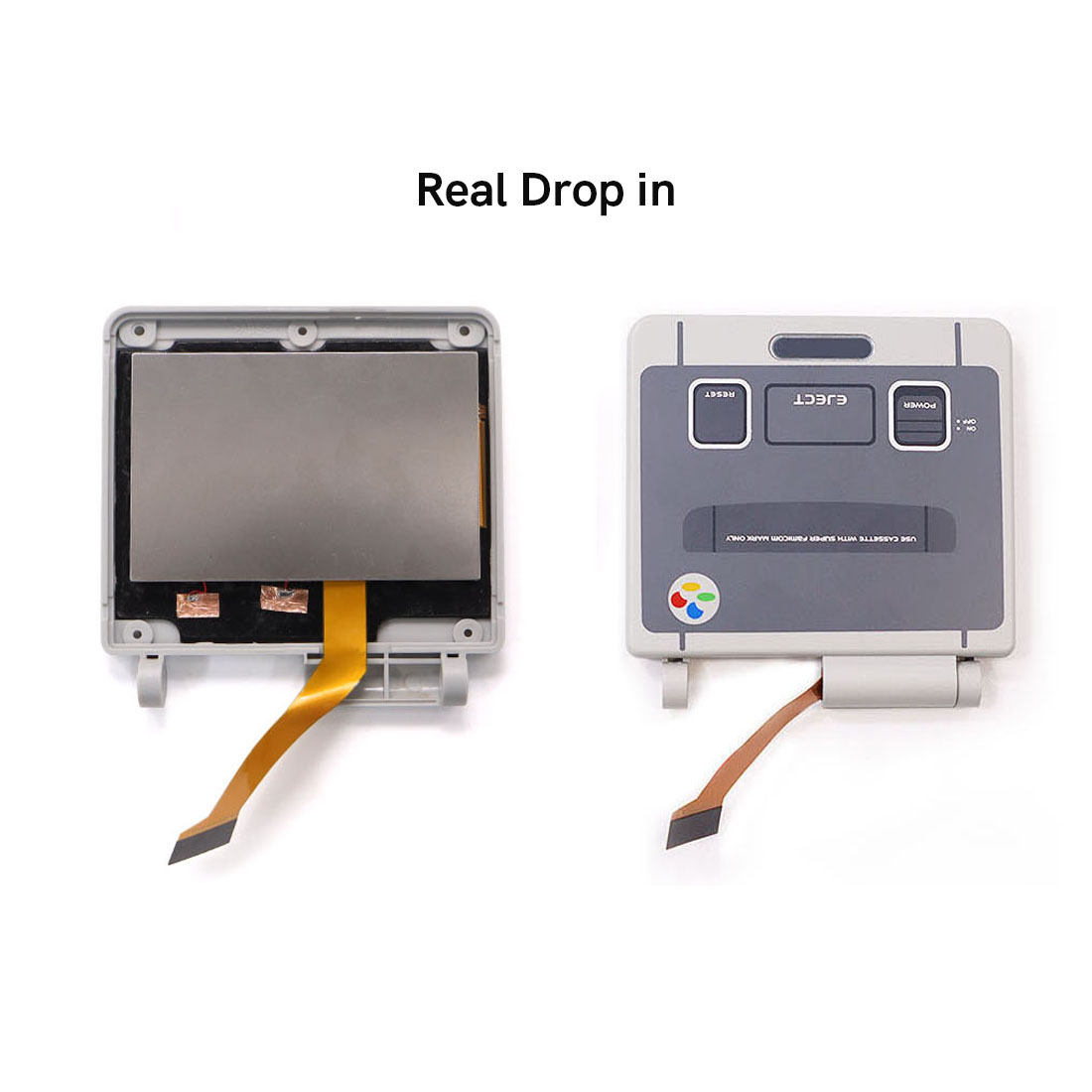
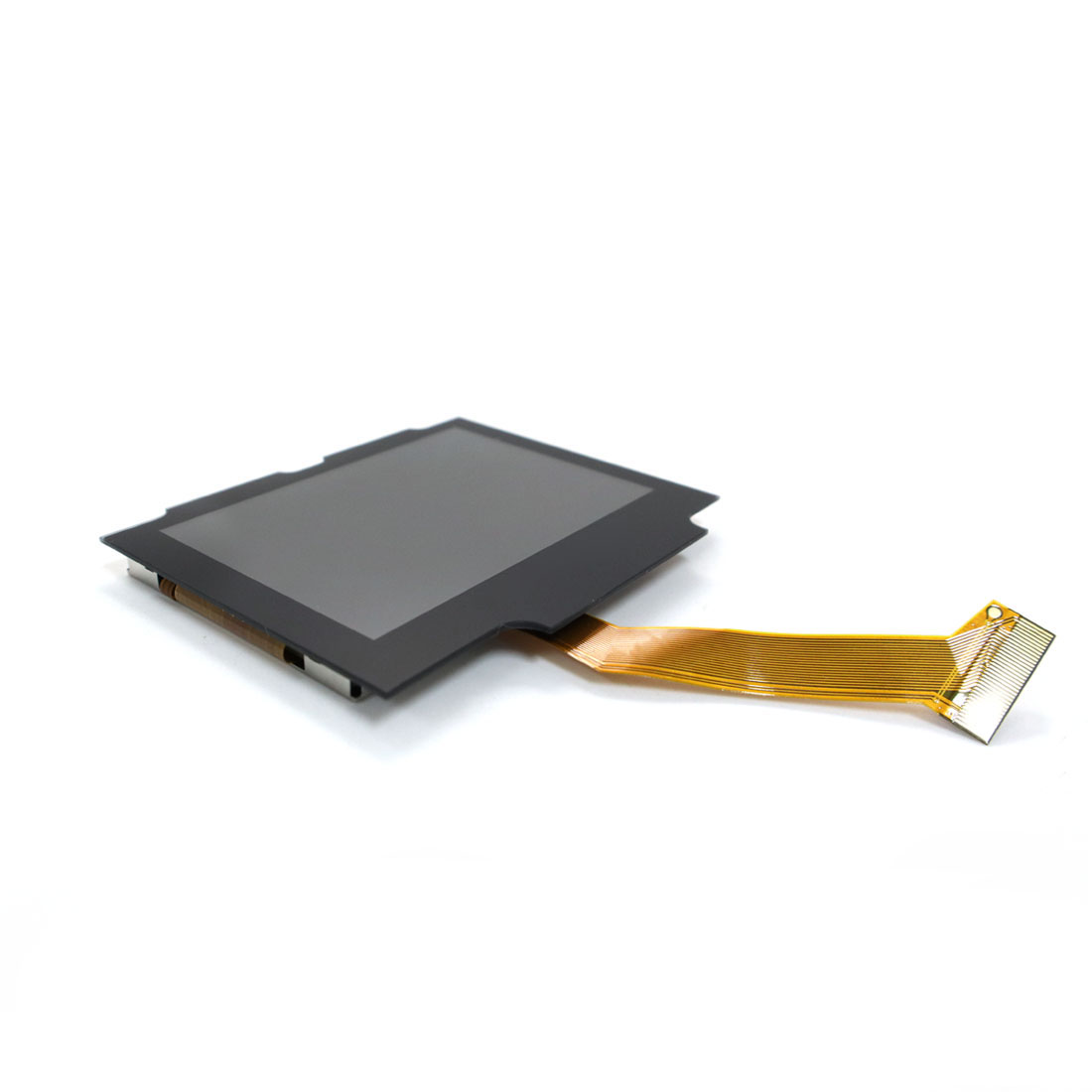
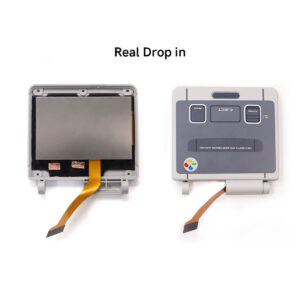
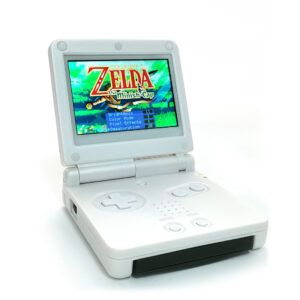
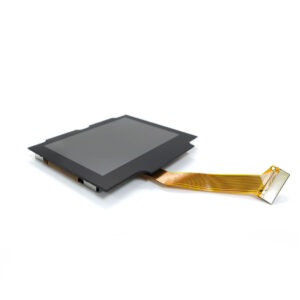
3. Real Drop in IPS LCD screen. No need to cut the shell case. Easiest to install in the world.
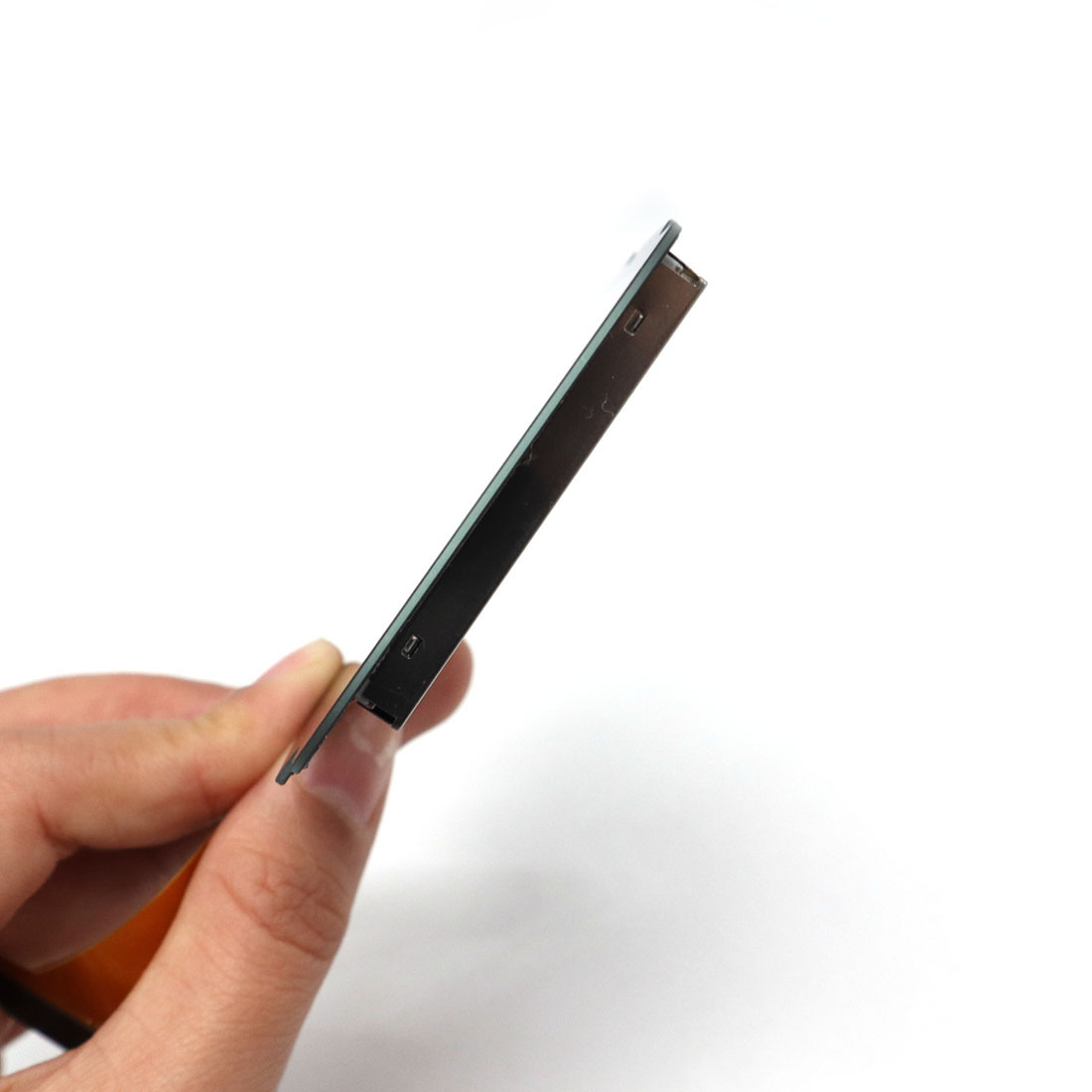
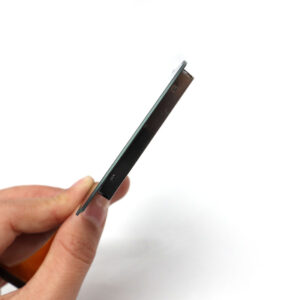
4. Pre-Laminated Glass Screen.
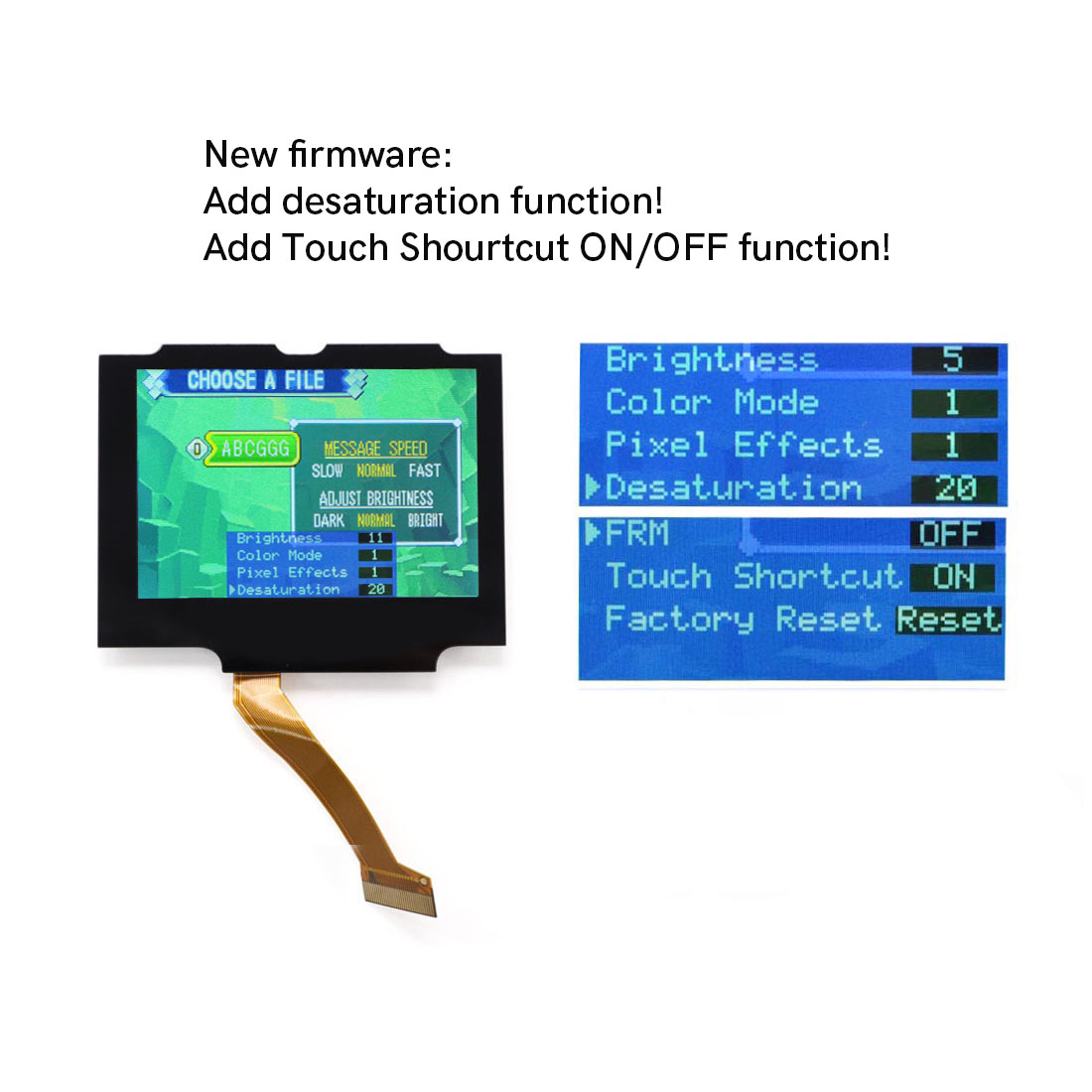
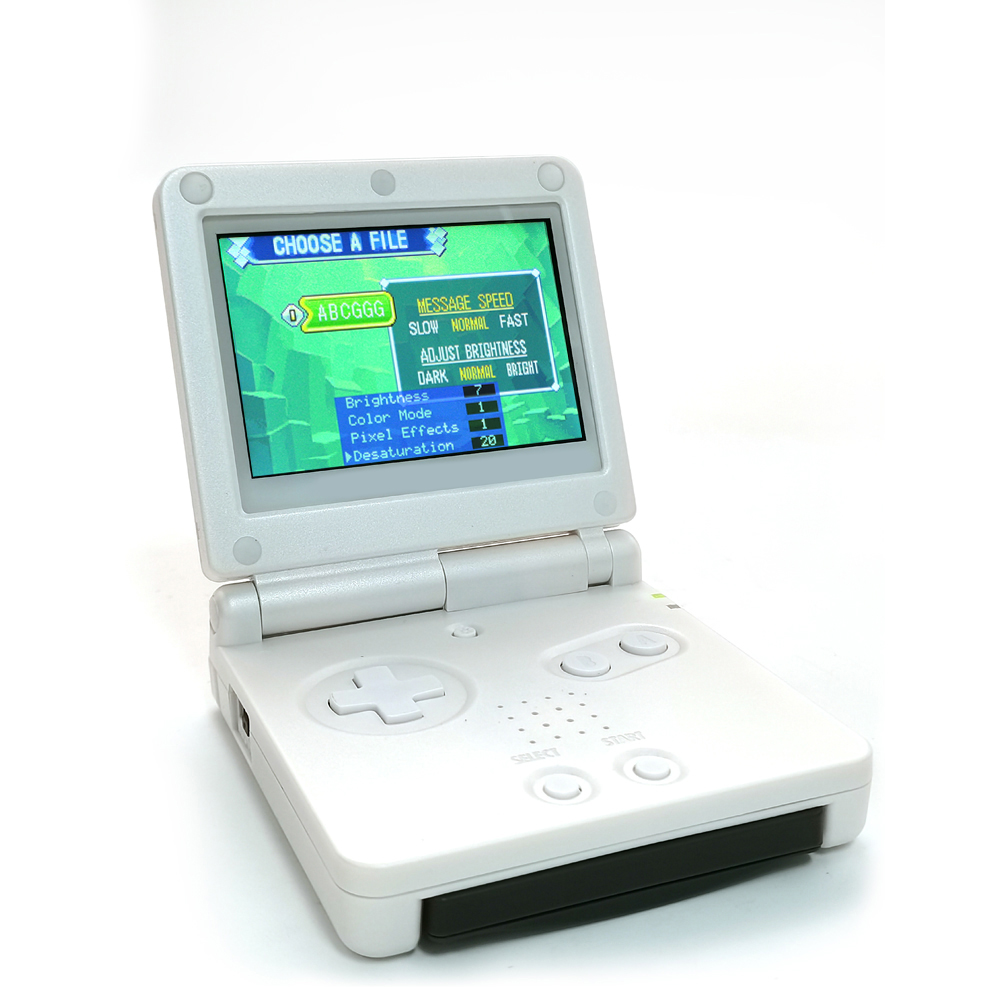
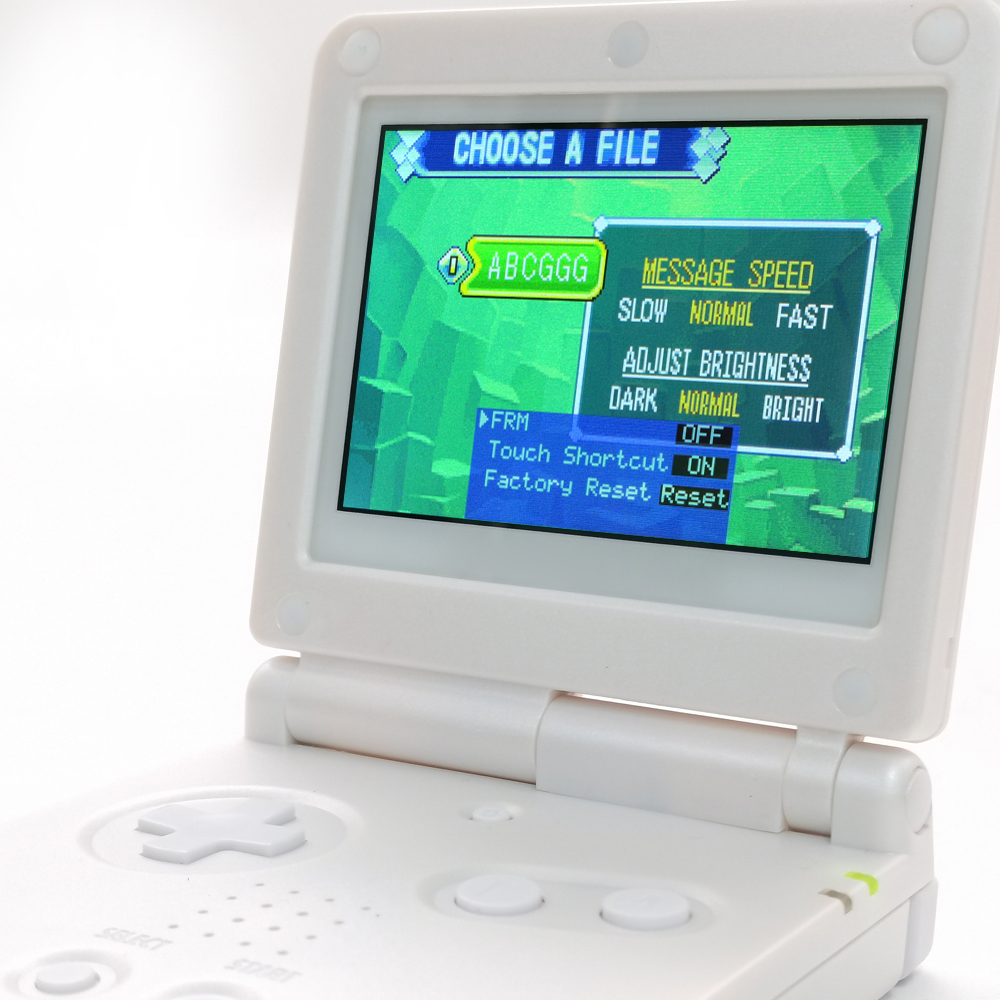
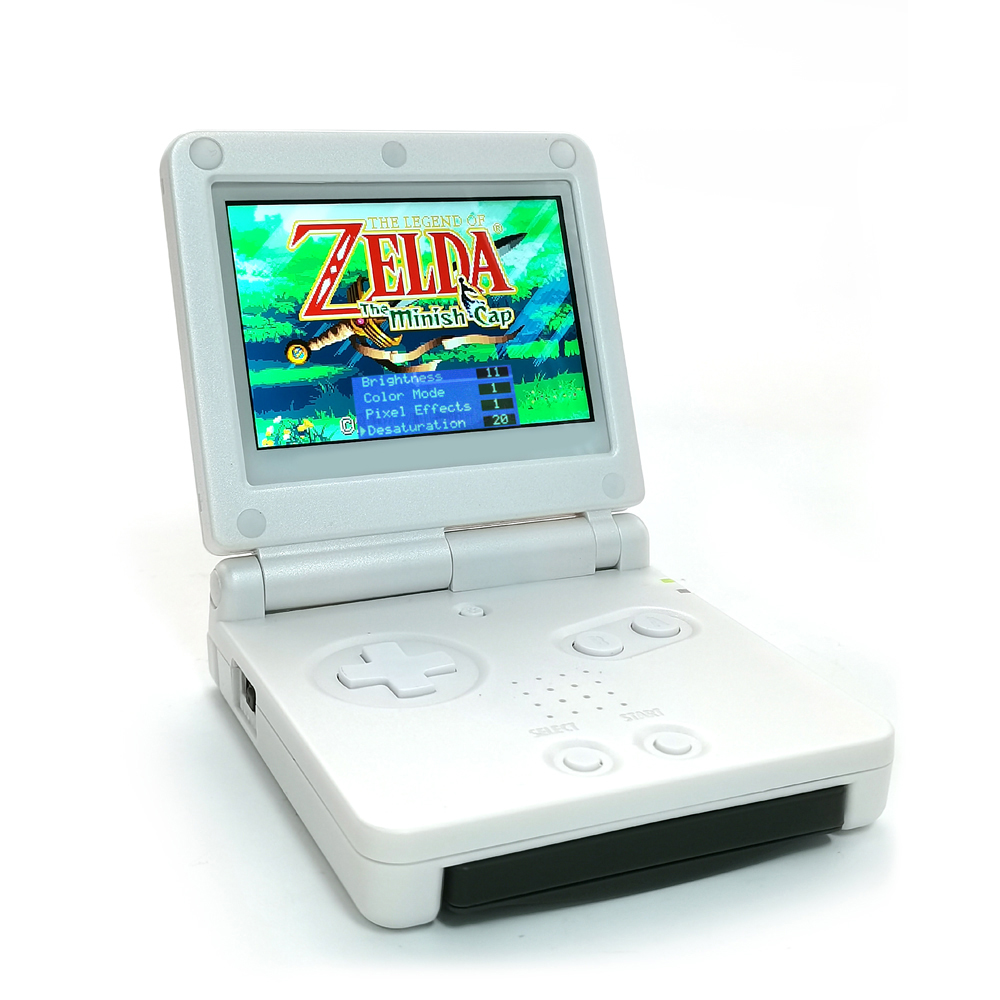
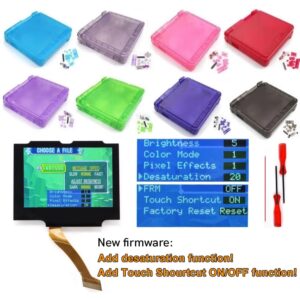
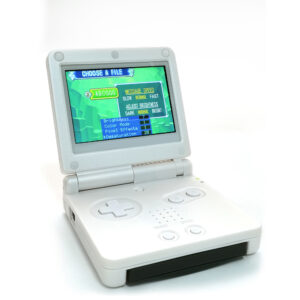
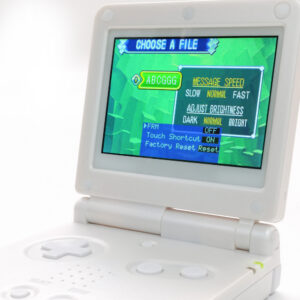
5. Built-in OSD Menu!
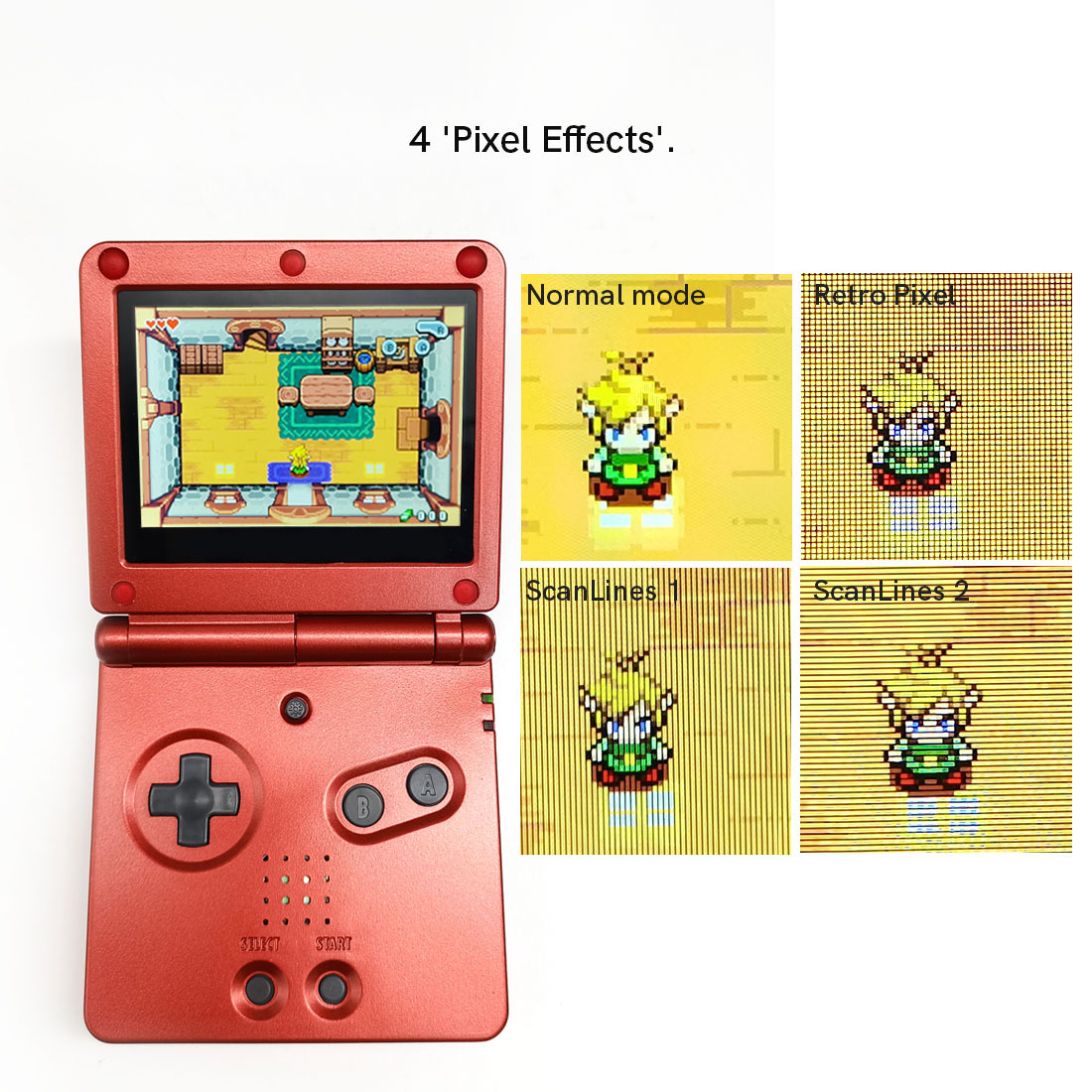
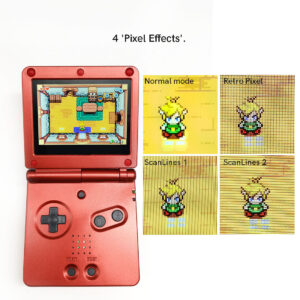
6. Retro pixel Effects: Normal, Retro pixel ( like original AGS-101 LCD ), Scanline 1 and Scanline 2.
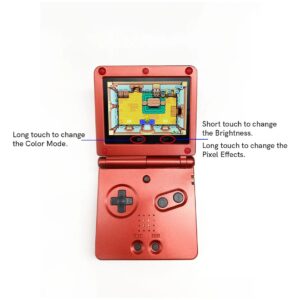
7. 15 brightness levels.
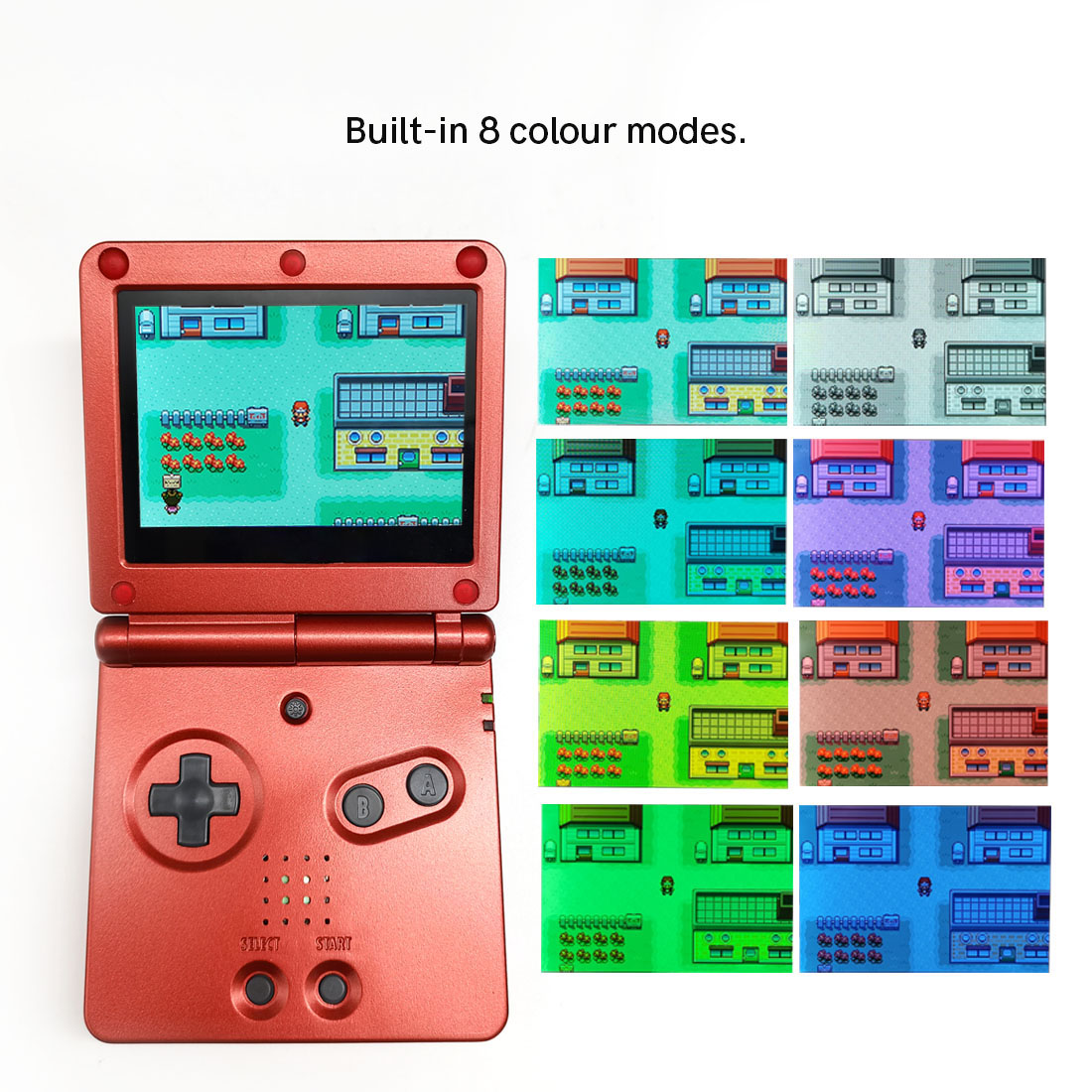
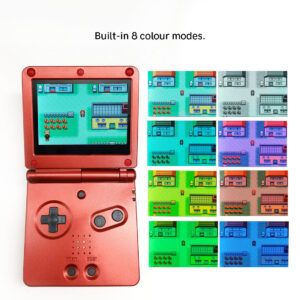
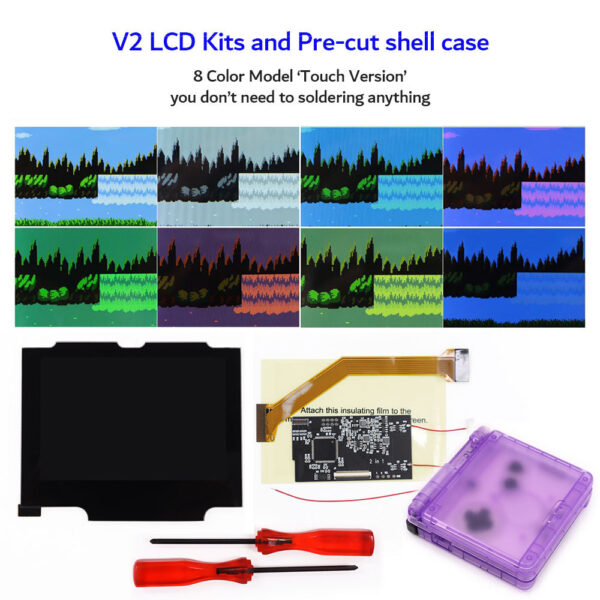
8. 8 color modes.
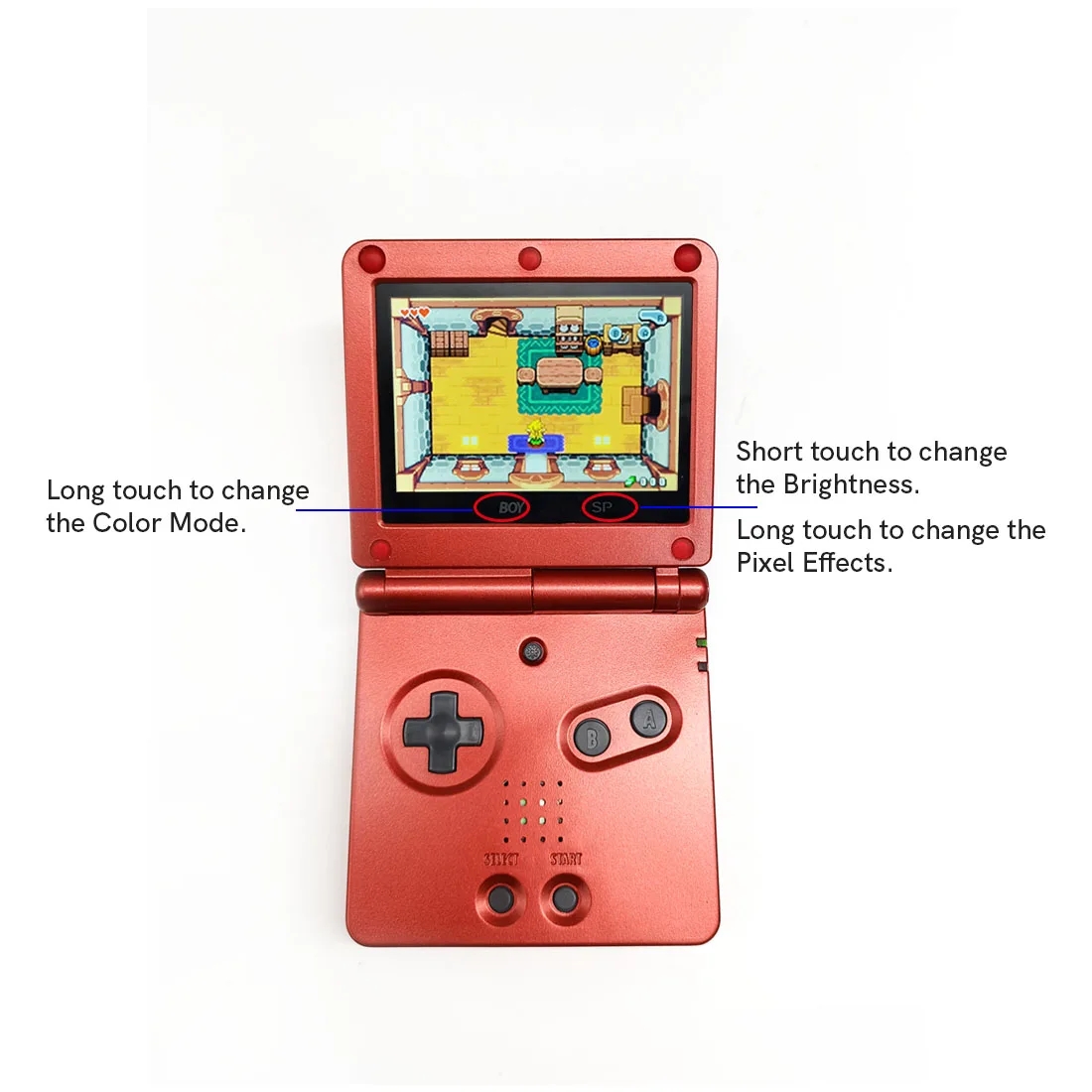
9. Touch Screen to change the brightness and the color modes.
10. Compatible 32 pin and 40 pin motherboard.
11. FRM On/OFF function(Frame blending On/OFF) is included. For some extremely few games, the image effect will be better when the FRM function turns on. For most games, no need to turn on the FRM Function. The default FRM is OFF.
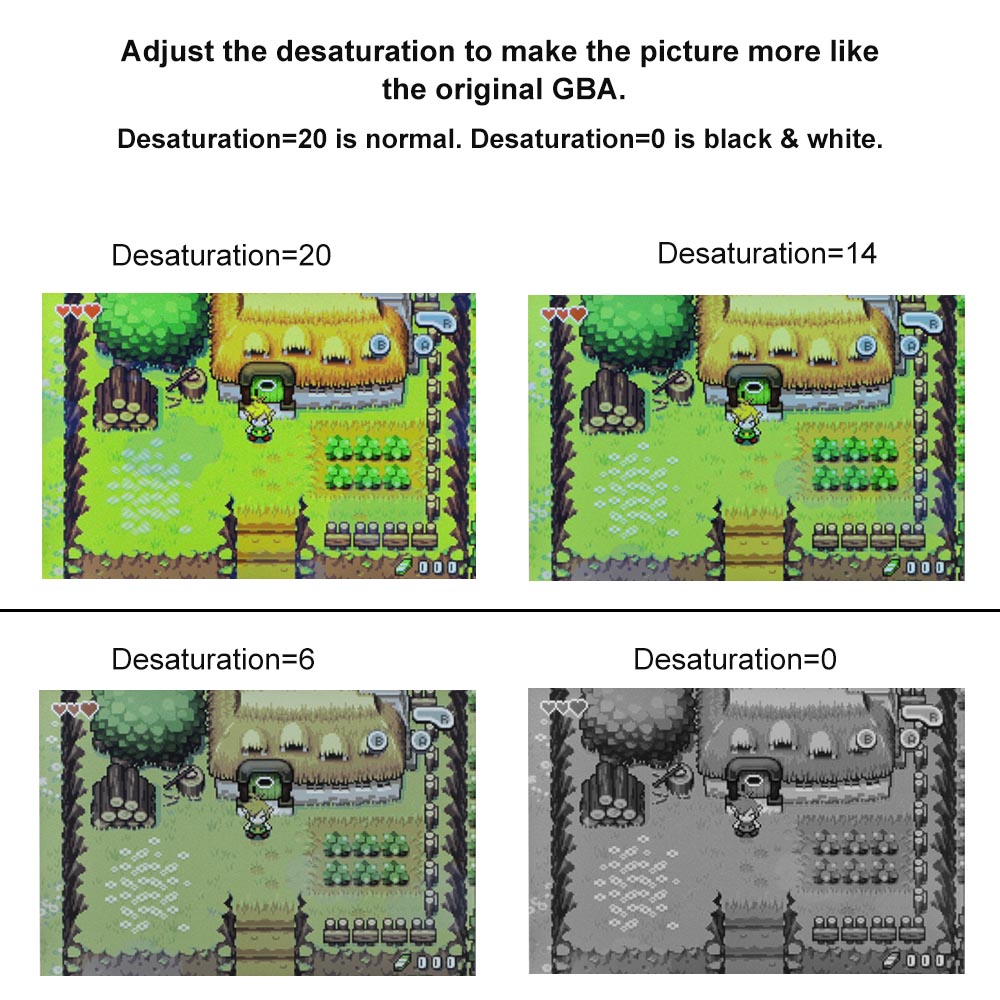
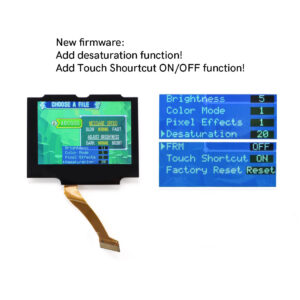
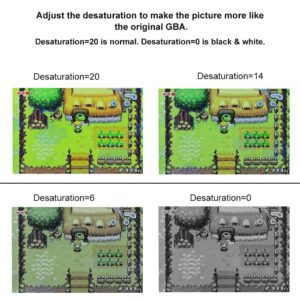
12. Add Desaturation. This function can make the color of IPS LCD images closer to the original color of GBA games. Note: ‘Desaturation’ can only be adjustable in normal color mode.
13. Touch Shourtcut ON/OFF. You can set ‘Touch Shourtcut’ OFF to avoid auto cycling colour modes and auto brightness changes.
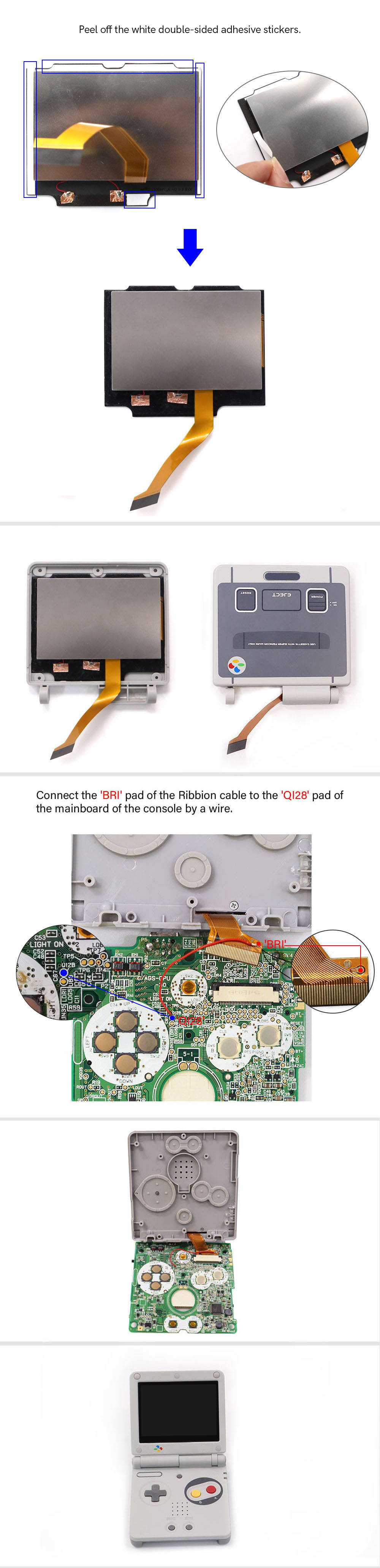
*You need to welding 1 wire to control the OSD Menu*
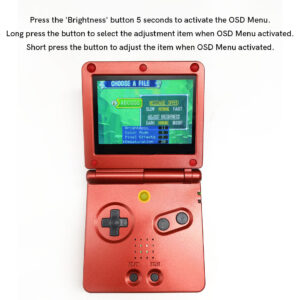
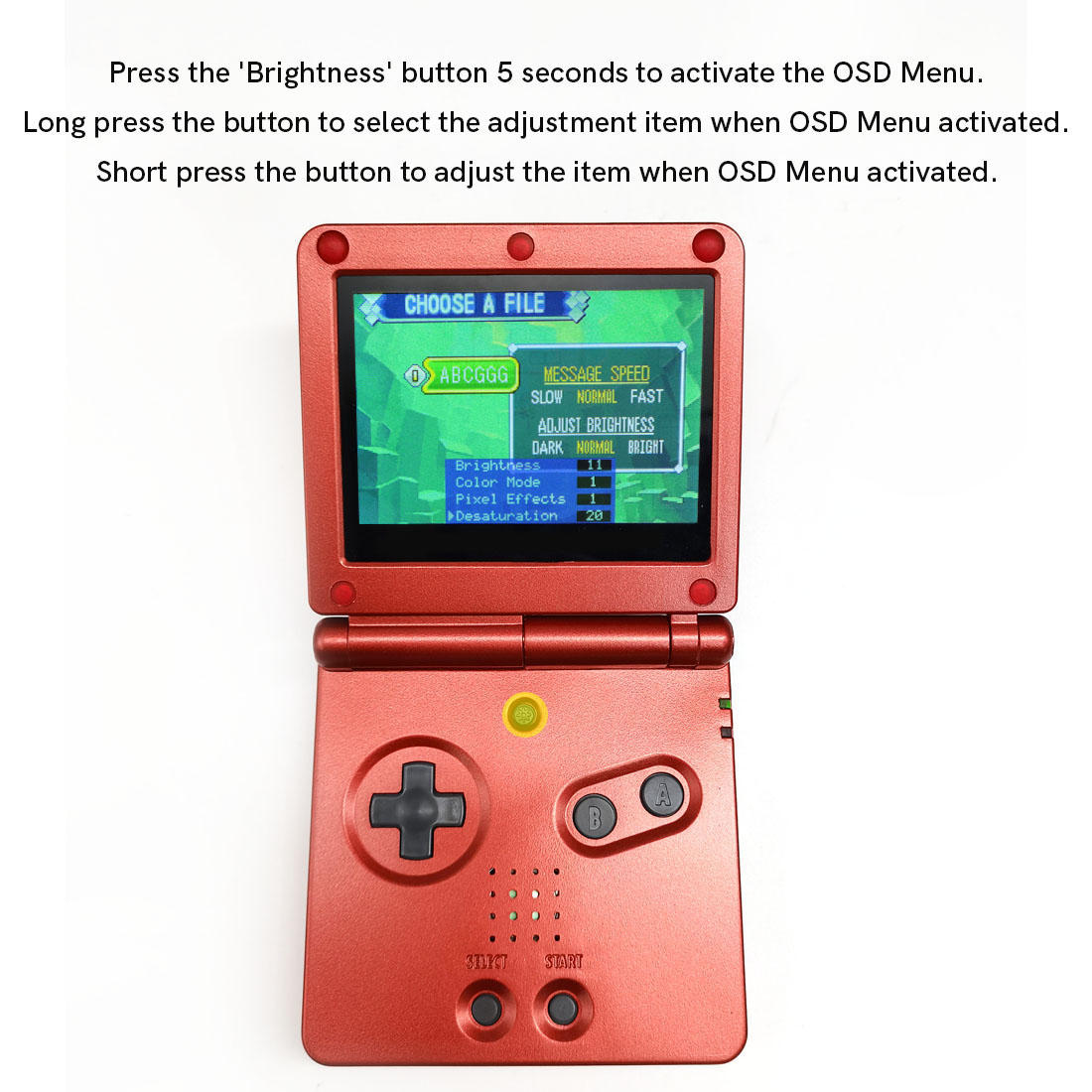
The ‘Brightness’ button can activate the OSD Menu after welding 1 wire.
OSD Menu:
-Short press the ‘Brightness’ button to change the brightness.
-Press the ‘Brightness’ button 5 seconds to activate the OSD Menu.
-Long press the button to select the adjustment item when OSD Menu activated.
-Short press the button to adjust the item when OSD Menu activated.
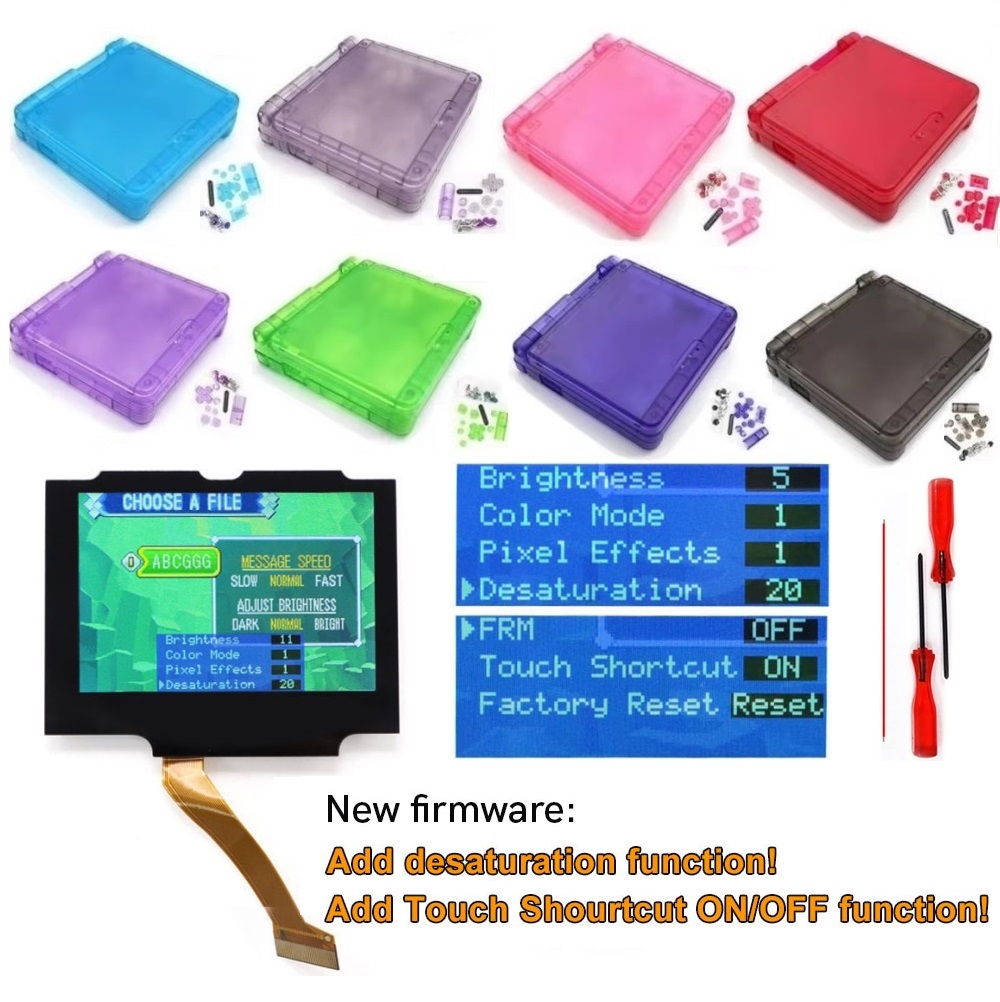
Packing including: (only LCD Kit)
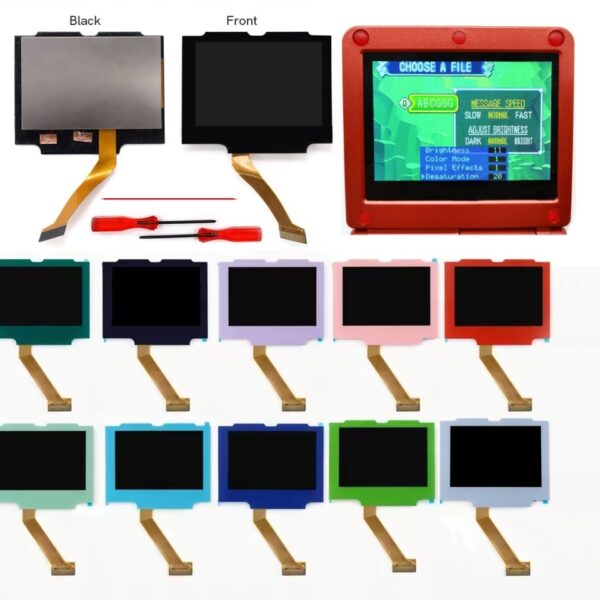
1x IPS LCD screen, 2x Screwdrivers, 1x red wire.
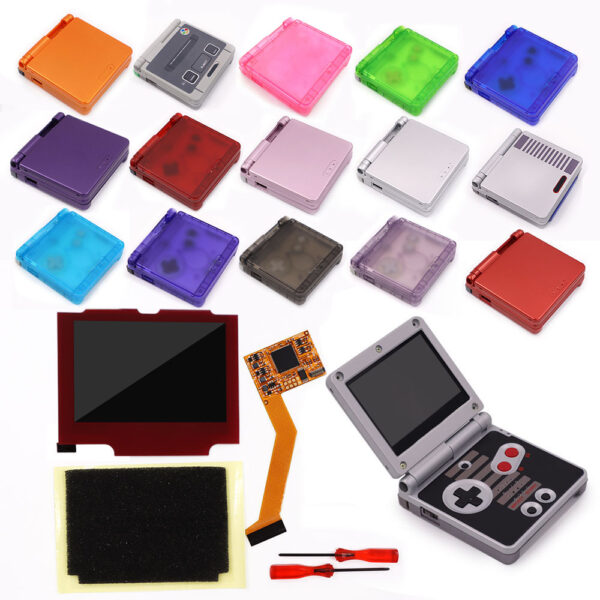
Or: (LCD Kit with shell case)
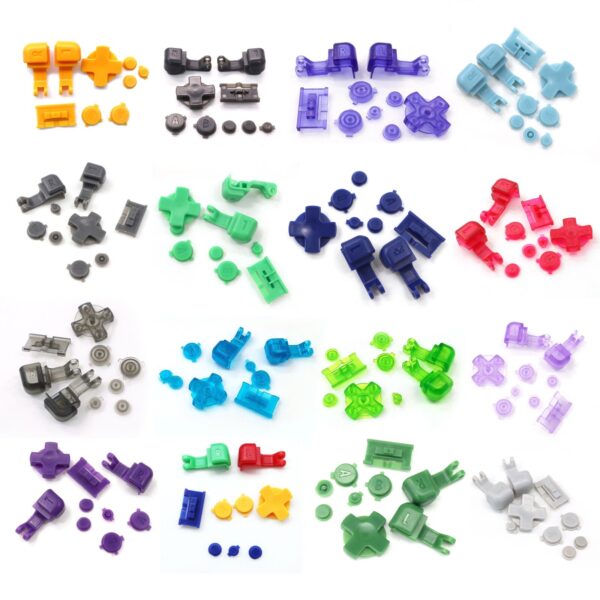
1x IPS LCD screen, 2x Screwdrivers, 1x red wire, 1x shell case, 1 set buttons, 1 set Rubber Pad, 1x Sticker label,1 set screws
Instructions:
Reviews
There are no reviews yet.